The app

Locus, on screen.

Nine screens in three families: what you did with your time, everything you mean to do, and the agent that reads both. This is the whole app in about a minute.

The walkthrough is being recorded. It lands here — about a minute, every screen below, no narration you have to sit through.

What you're looking at

Execution

  • Home

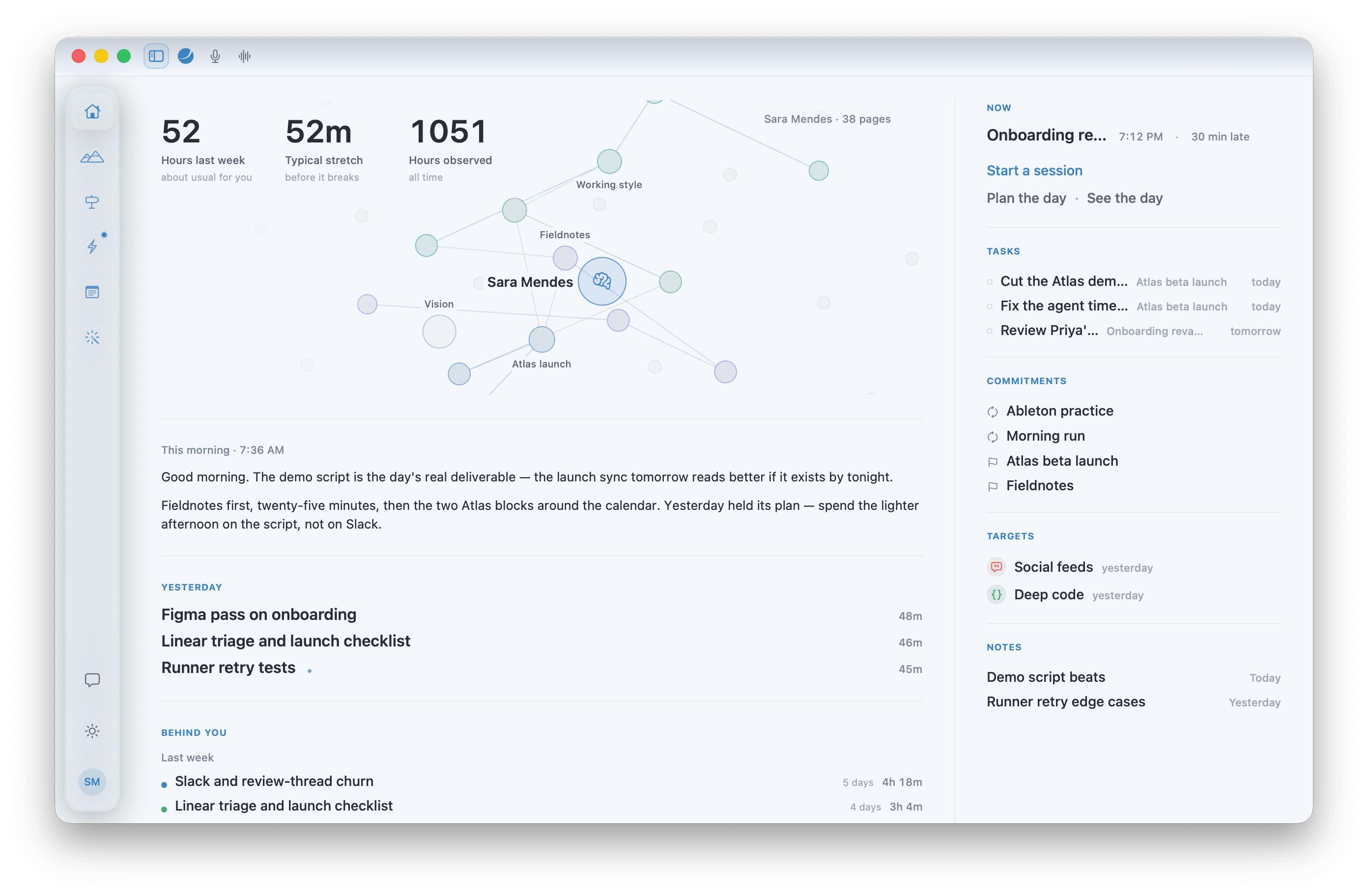
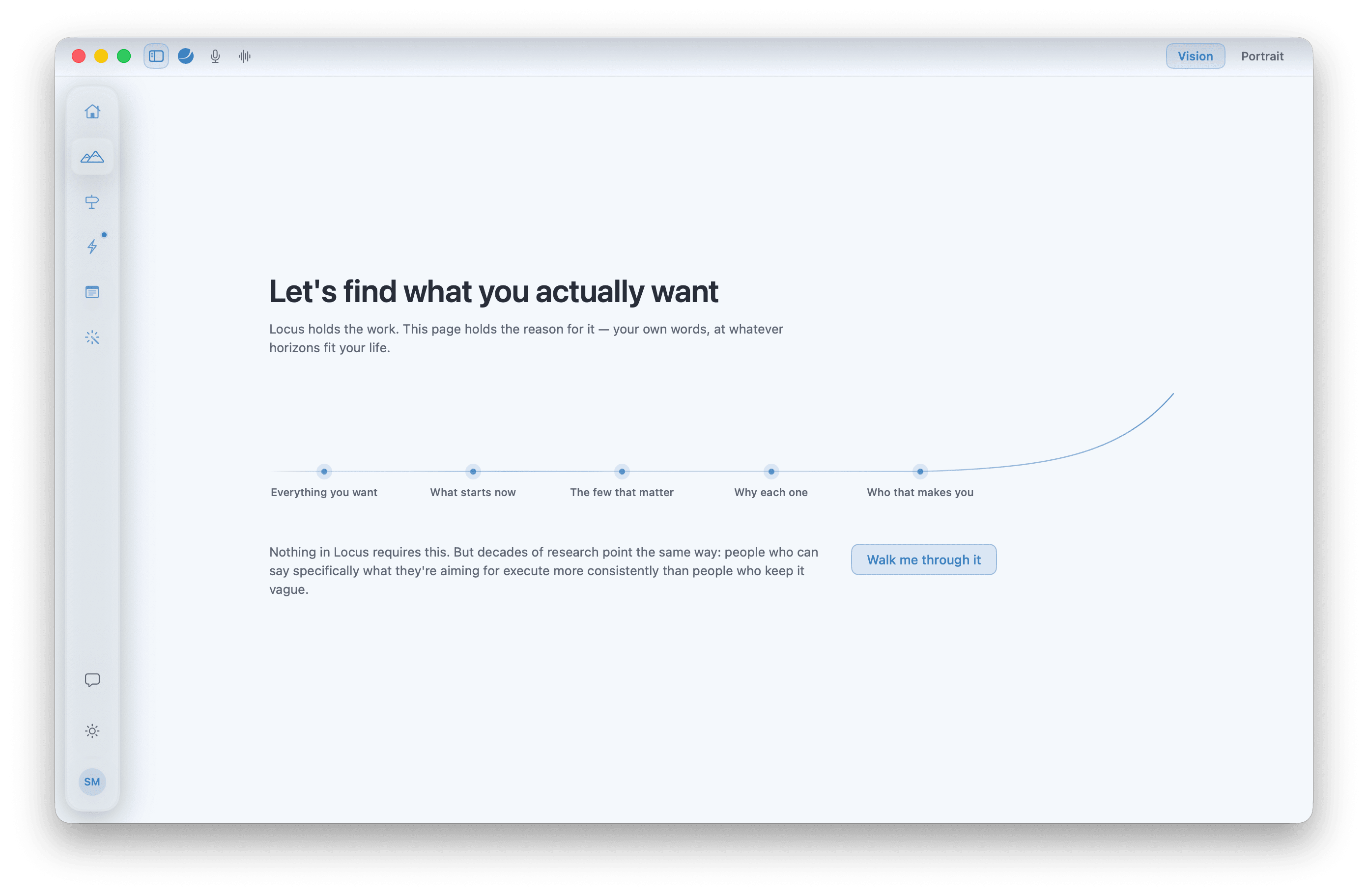
    Your why and what's now

    The one screen that answers “what am I meant to be doing right now”, with the reason underneath it.

  • Focus

    Plan and steer focus

    Where the day gets shaped and a session gets launched — the plan on one side, the clock and the live timeline on the other.

  • Watch

    Keep the dots connected

    What actually happened while you weren't in a session: apps, windows, and the honest gap between intent and outcome.

Inputs

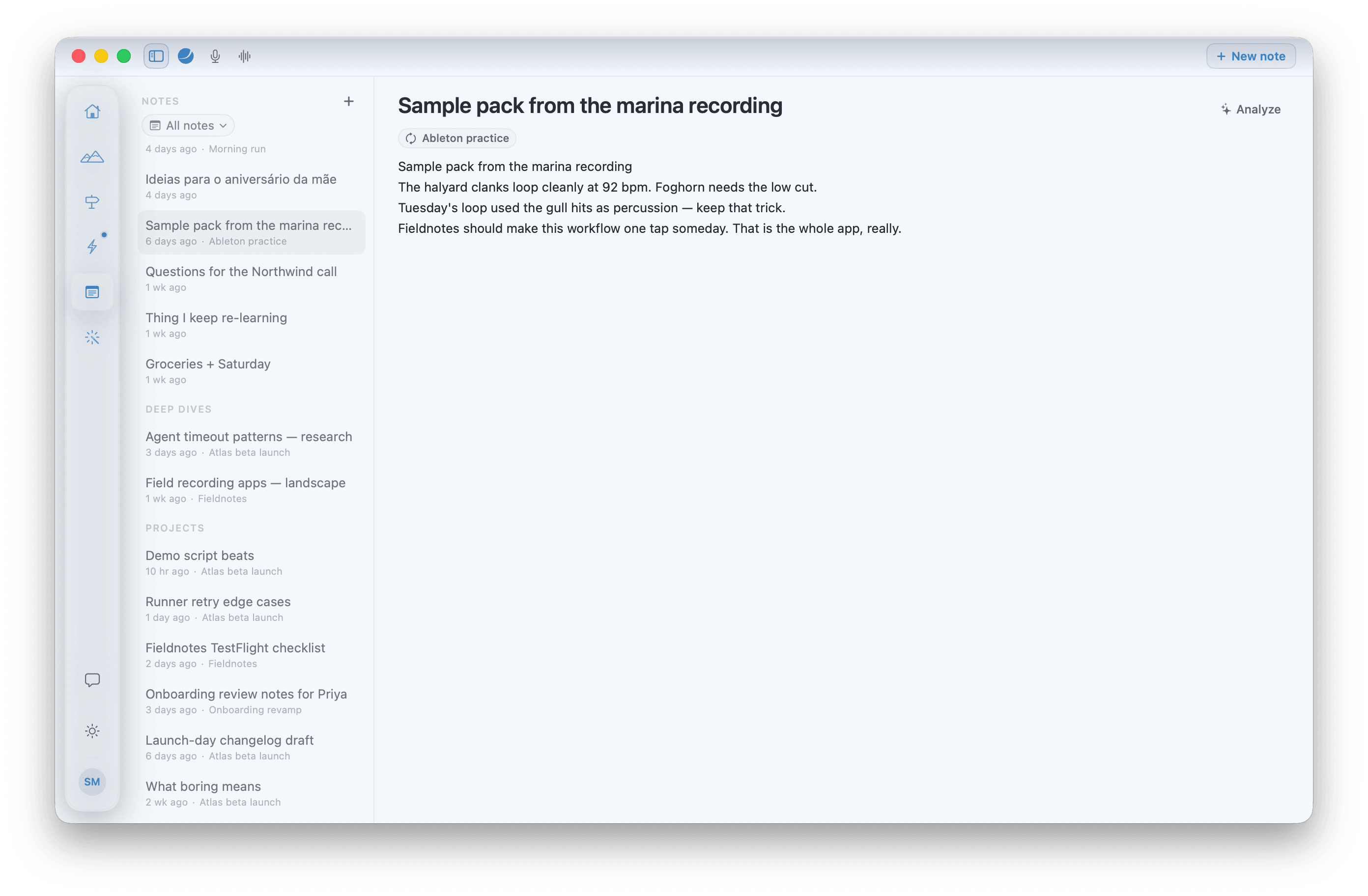
  • Notes

    Capture and analyze

    Somewhere to put the thought now and let Locus pull the tasks and commitments out of it later.

  • Tasks

    Next actions

    The next actions, tied to the project or habit they belong to rather than floating in a list.

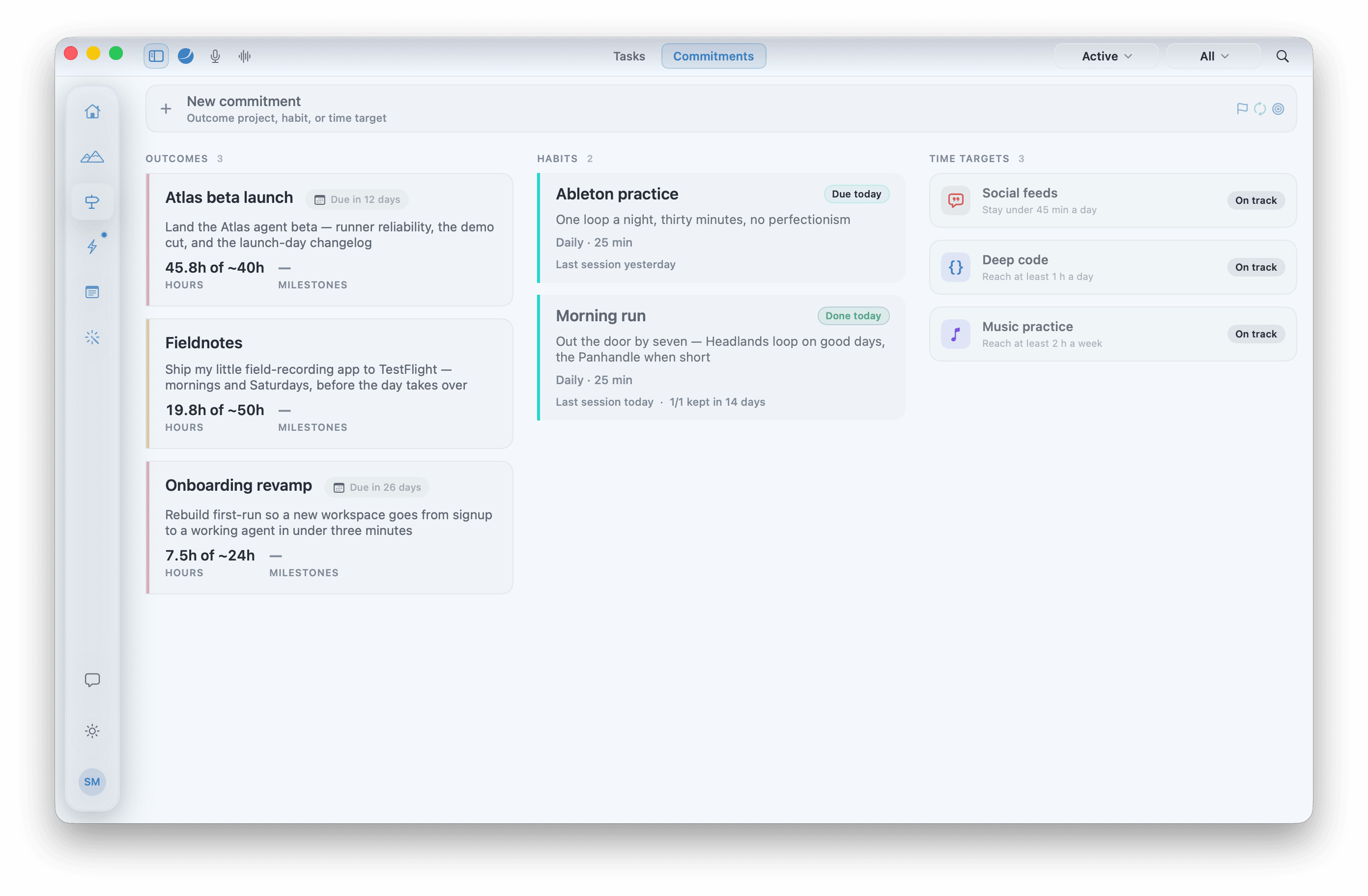
  • Commitments

    Projects and habits

    The things you've said you'll do — outcomes you're driving and rhythms you're keeping, in one place.

AI

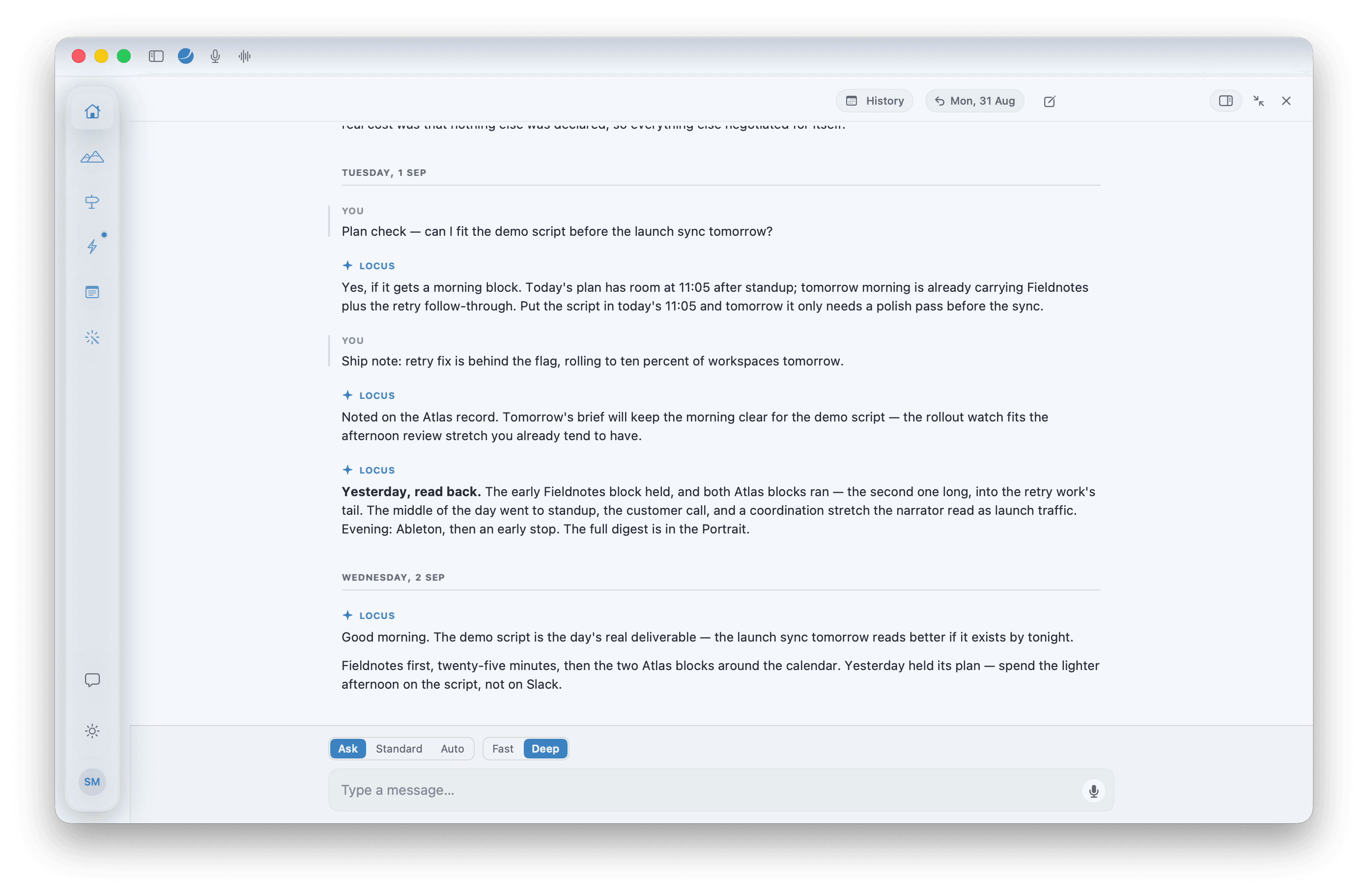
  • Flywheel

    Compound for tomorrow

    The digests and the chat: what Locus noticed, what it might mean, and what's worth trying next.

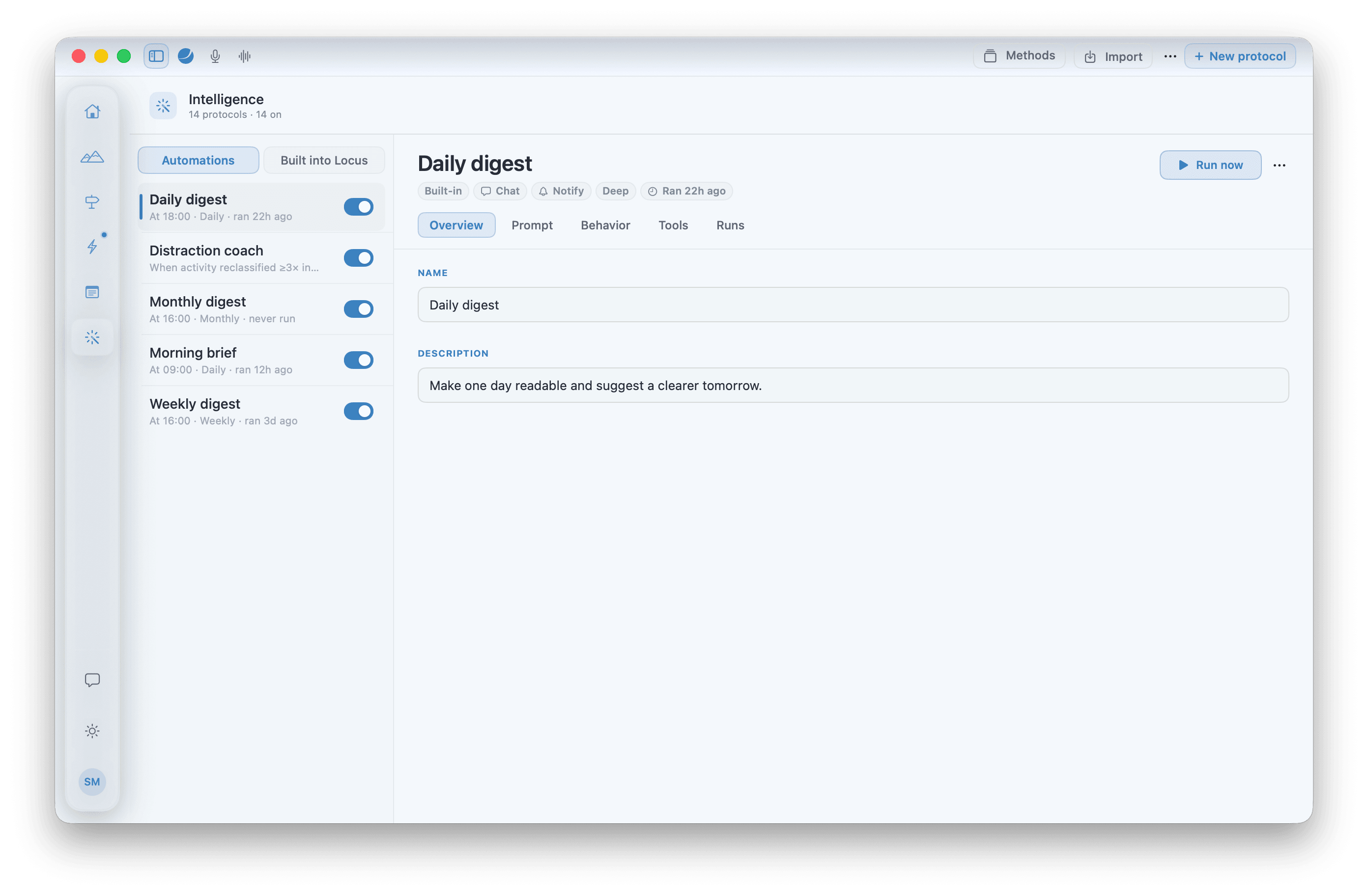
  • Intelligence

    How Locus acts on its own

    Every routine Locus runs, readable and editable — and where you pick the pack that sets the method.

  • Portrait

    What Locus knows about you

    The picture it's built of how you work, kept on your Mac as plain files you can read and correct.

Everything above runs on your Mac. The agent behind the last three screens runs on whichever AI you already pay for.